
Before you begin: these are server-level JVM properties, so they affect every application deployed to the selected WebSphere application server. Only disable CDI after confirming that Maximo and the other deployed applications do not rely on it. Test the change outside production, follow your organisation's change process and record the existing startup time so you can compare the result.
WebSphere 9 enables Contexts and Dependency Injection (CDI) processing by default. Scanning a large application for CDI beans can add significant time to Maximo startup even when the application does not use CDI.
IBM documents this behaviour in APAR IJ04175, which describes slow Maximo startup on WebSphere 9 and identifies the same two properties used below. IBM's CDI 1.2 behaviour documentation also confirms that disabling implicit bean archives prevents unnecessary discovery and can reduce startup time.
Open the application-server JVM settings
Sign in to the WebSphere administrative console.
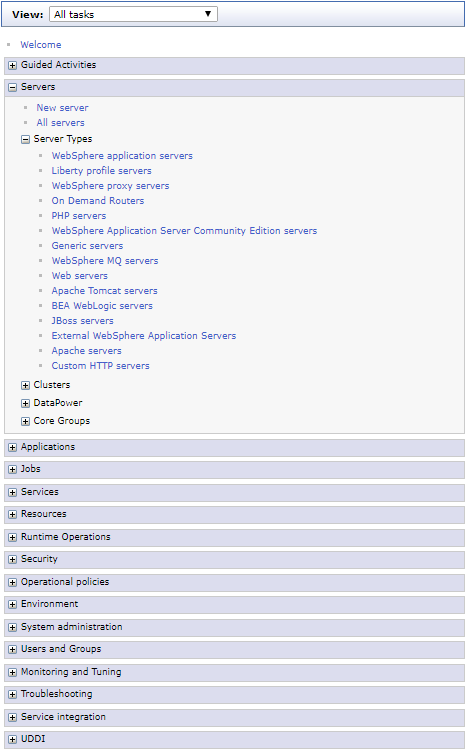
Open Servers > Server Types > WebSphere application servers.
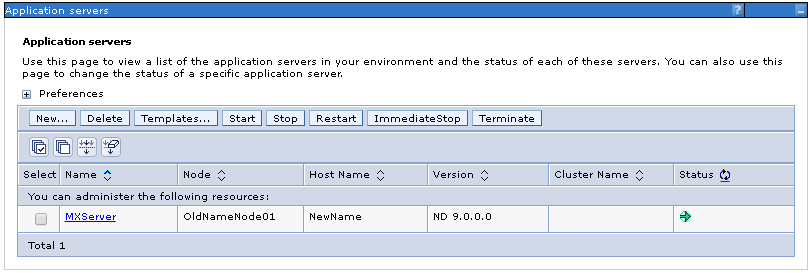
Select the application server that runs Maximo. Repeat this procedure for every Maximo application server in the cluster.
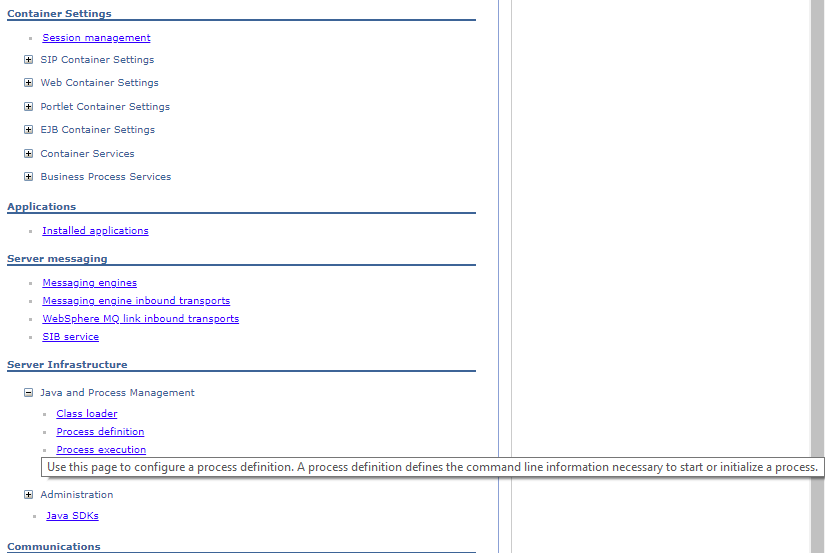
Under Server Infrastructure, open Java and Process Management > Process definition.
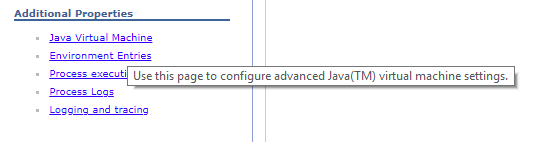
Under Additional Properties, select Java Virtual Machine.
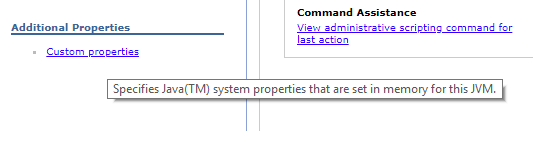
Under Additional Properties, select Custom properties.
Disable CDI processing
Use New to add these two custom properties:
| Name | Value |
|---|---|
com.ibm.ws.cdi.enableImplicitBeanArchives |
false |
com.ibm.ws.cdi.enableCDI |
false |
Property names are case-sensitive. Confirm that both values are Boolean false and that the properties are set on the intended application-server JVM.

Select Save and save the changes to the master configuration.

Restart and verify Maximo
Synchronise the affected nodes if your environment does not do so automatically, then restart every application server on which you added the properties.
Measure Maximo's startup time again and compare it with the baseline. Check SystemOut.log and the application status in the administrative console to confirm that Maximo started normally. If another deployed application reports CDI or bean-discovery failures, restore the previous settings and restart the server.